
SMS Verification Proof of Consent Process – Round 2
Edited May 12, 2025
Step 1 – User Registration Prequalification
User must first pass minumim requirements.

Step 2 – User Qualified
User has passed minimum qualifiications. This allows user to continue with the registration process.
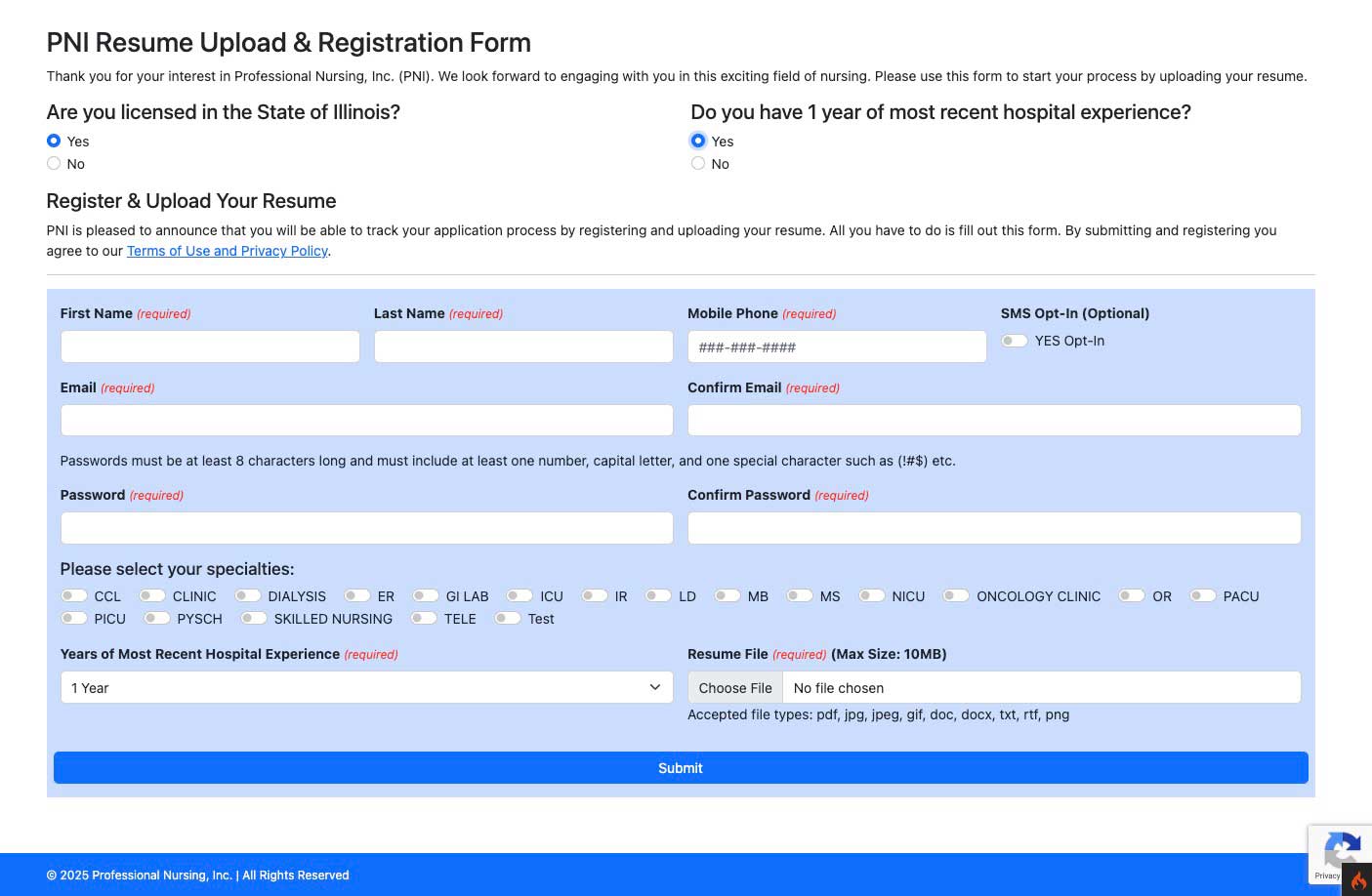
Note: This is strictly optional
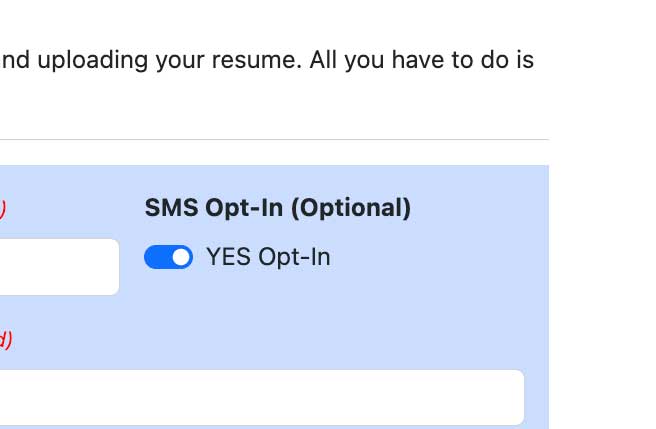
Step 3 – Opt in SMS
User clicks add mobile number and clicks on SMS opt in button. This opens a popup and the user must scroll to the bottom and click on OPT-IN .or I DECLINE if they do not want to recieve SMS Notifications.
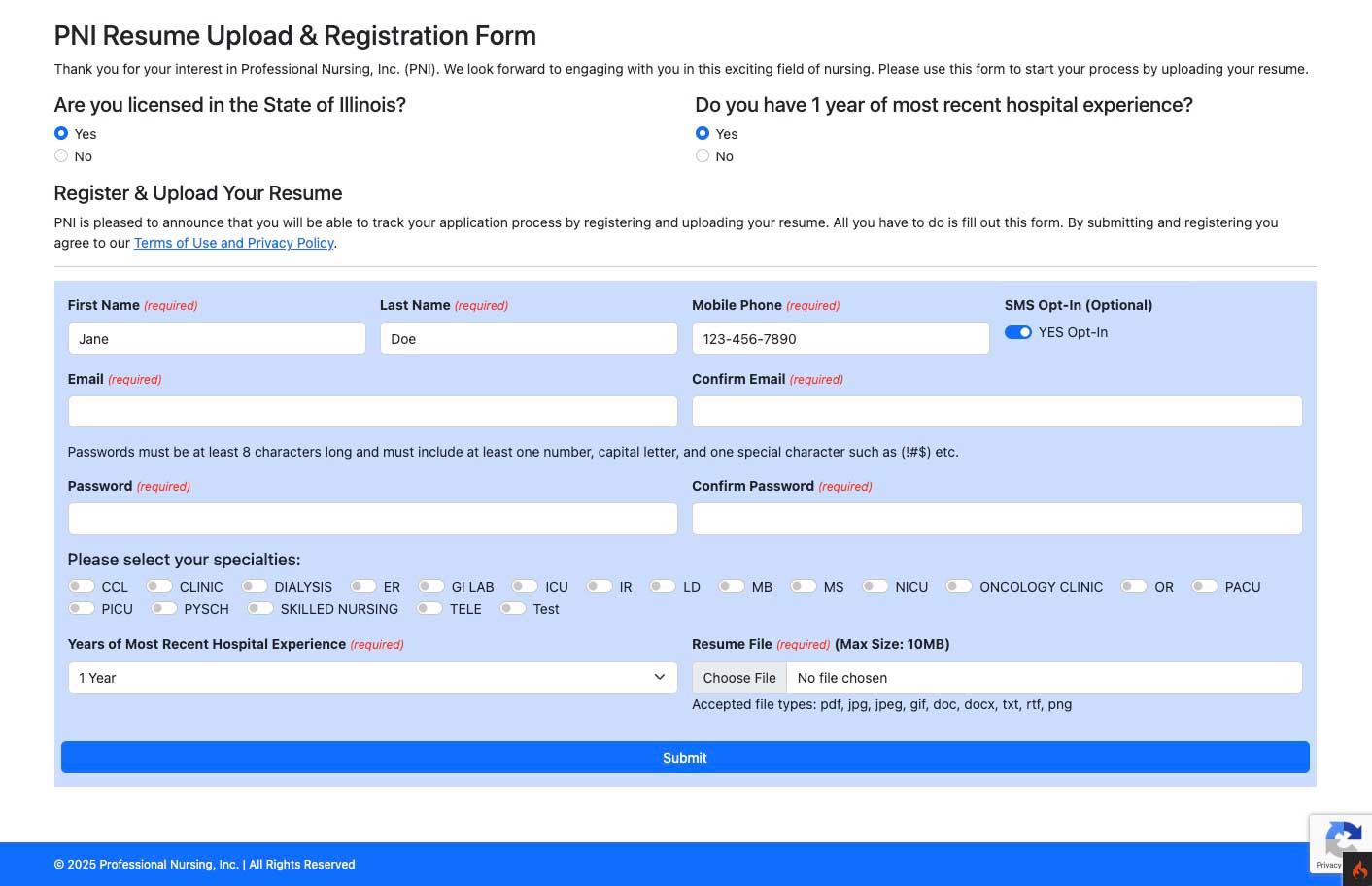

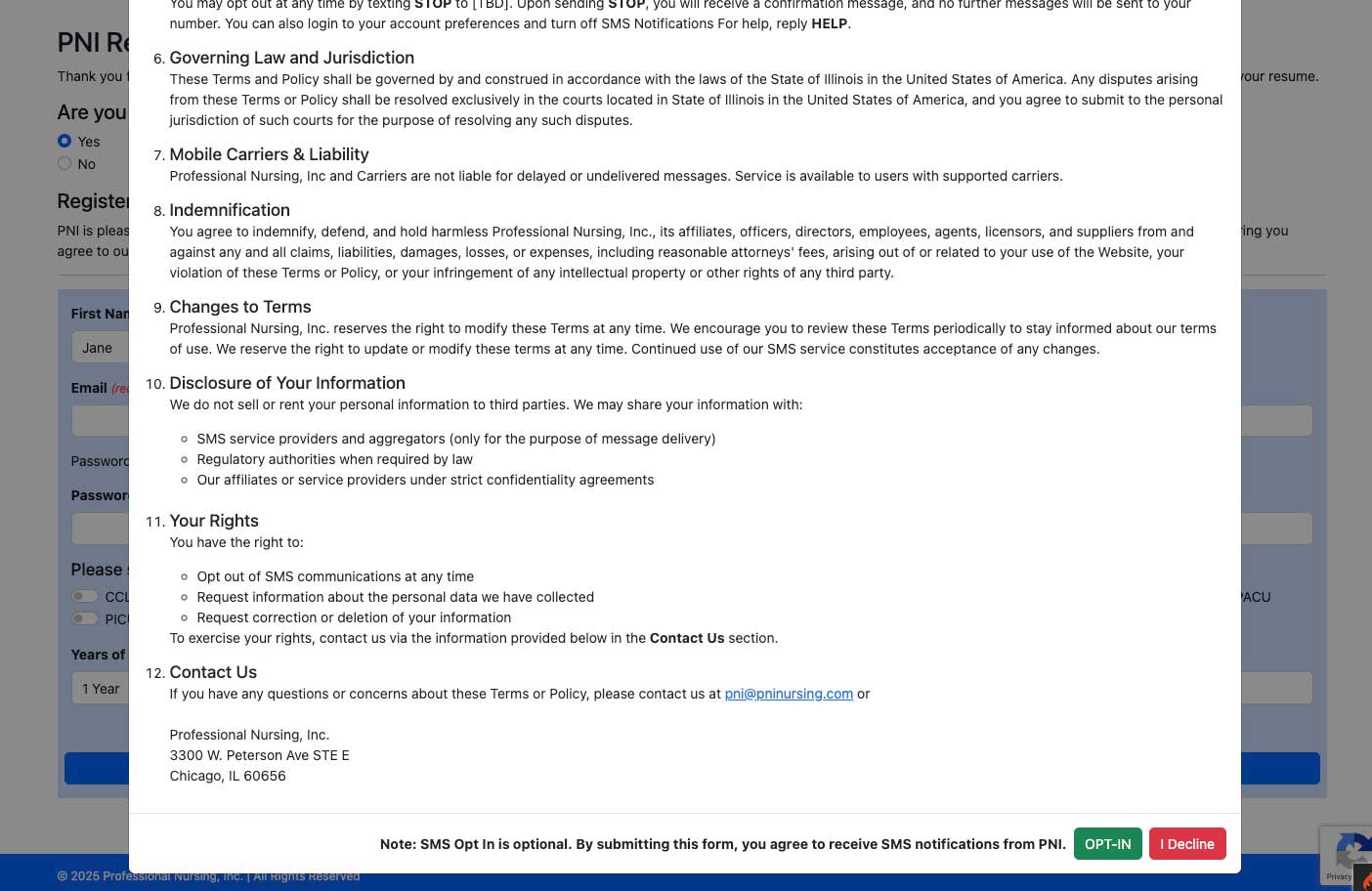
Note: This is strictly optional
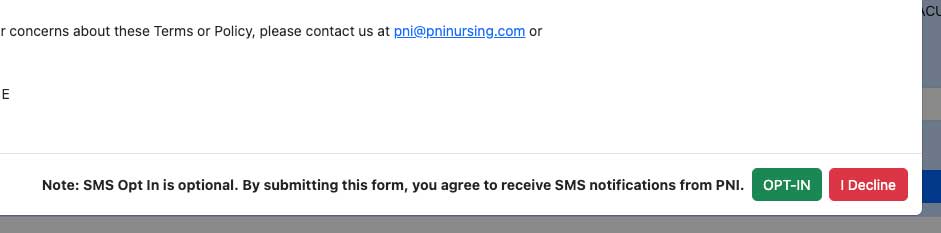
Step 4 – Post Registration Opt-in Opt Out
Once an user had an account, they can access their profile and scroll down to communications and see their current SMS opt-in status. Here they can check or uncheck their SMS communication preference.

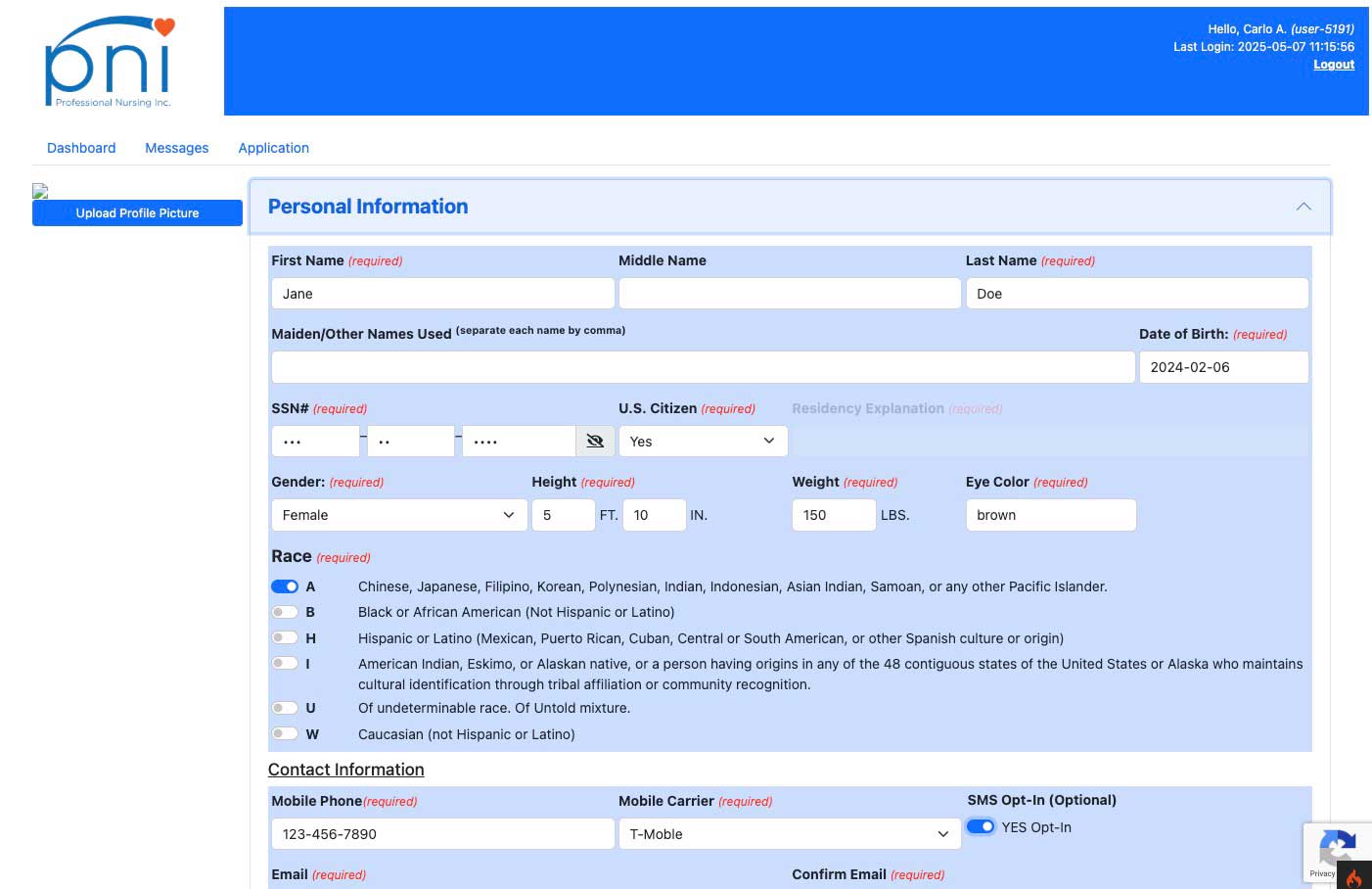
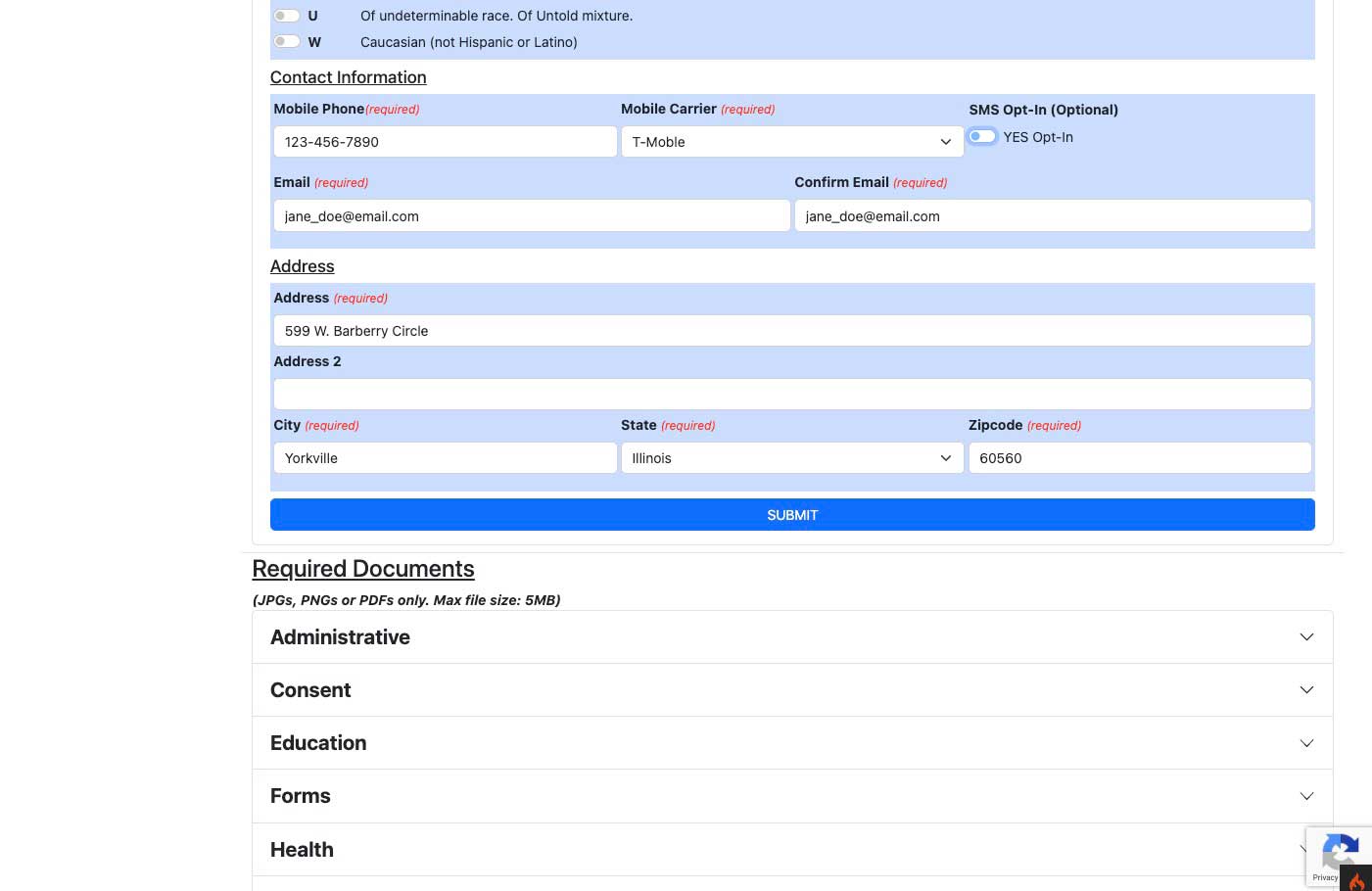
If the user unchecks and rechecks the SMS opt-in button, the popup with the terms will display and they much click “I Agree” in order to enable this feature. We will also keep a log of opt-ins and opt-out times in our database.